
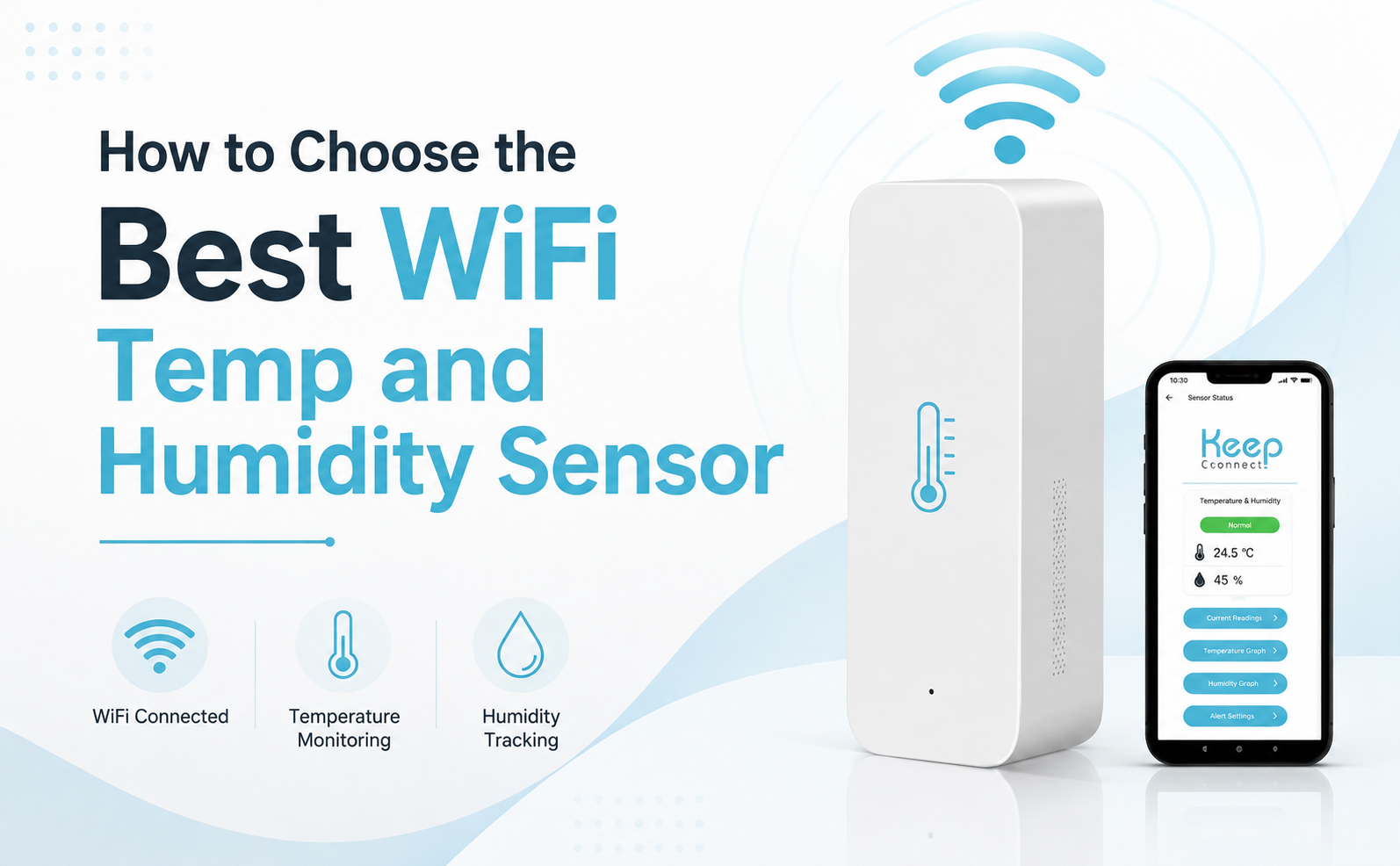
A reliable temperature and humidity sensor can help you detect environmental changes in a home, greenhouse, vacation rental, server room, warehouse, or storage area when no one is there to check the conditions in person.
The challenge is not finding a sensor. It is knowing which features actually matter.
Some sensors connect directly to WiFi. Others require a hub or communicate only with a nearby phone. Alert methods, subscription costs, power sources, monitoring intervals, and setup requirements can also vary considerably.
This guide explains how to choose a WiFi temperature sensor, which buying mistakes to avoid, and what residential and commercial users should consider before buying.
At Johnson Creative, we developed Climate Pal by Keep Connect to provide straightforward indoor temperature and humidity monitoring through customizable WiFi alerts. Drawing on that experience, we will explain the features buyers should compare and where Climate Pal may fit their monitoring needs.
What Is a WiFi Temperature and Humidity Sensor?
A temperature and humidity sensor measures two related environmental conditions.
Temperature tells you how hot or cold the surrounding air is. Relative humidity describes how much moisture is present in the air compared with the maximum amount the air could hold at the current temperature.
For example, a basic thermometer or hygrometer may only show the current reading on a local screen. This is useful when someone is present to check it regularly, but it offers limited help in an unattended room or remote property.
By comparison, a WiFi-connected sensor communicates through an internet-connected wireless network. Depending on the product and service, it may send alerts, provide remote access, or save historical information.
As a result, this distinction matters when the monitored space is not occupied every day. A local screen inside a vacation property cannot notify you when the building becomes unusually cold. A greenhouse monitor provides less protection if it records excessive heat, but nobody sees the reading until the next visit.
Why Monitor Temperature and Humidity Together?
Temperature alone does not provide a complete picture of indoor conditions.
For instance, a storage area could have an acceptable temperature while its humidity is higher than preferred. A greenhouse may stay warm but become too dry for certain plants. An equipment room may experience changes in both heat and moisture that deserve investigation.
A combined temperature and humidity monitor lets you observe both measurements with one device.
Monitoring these conditions may help you:
- Recognize unusual environmental changes
- Make informed heating, cooling, and ventilation decisions
- Identify moisture conditions that require attention
- Monitor spaces containing plants, equipment, inventory, or stored belongings
- Maintain more consistent conditions in homes and workplaces
- Respond sooner when a property is unoccupied
However, a sensor is a monitoring tool. It does not independently heat, cool, ventilate, or dehumidify a room. Its purpose is to help you recognize when conditions may require action.
WiFi, Bluetooth, and Hub-Based Sensors
The term “wireless temperature sensor” can refer to several communication technologies. The connection method affects where you can use the sensor and how it sends you information.
WiFi sensors
A WiFi sensor connects through a wireless network. A direct WiFi model provides remote monitoring without a separate smart home gateway.
This makes it a convenient option for homes, small businesses, and remote properties that already have dependable WiFi and internet access.
Climate Pal connects to an existing WiFi network without requiring an additional hub.
Bluetooth sensors
A Bluetooth sensor normally communicates directly with a nearby phone or tablet.
This may be sufficient when you only want to check conditions while you are physically close to the sensor. Remote access may require an additional gateway or another compatible device that remains near the sensor.
Bluetooth can be a practical choice for local monitoring. It is less suitable when the main goal is receiving information from an unattended property unless the complete system includes internet connectivity.
Hub-based sensors
Some sensors communicate through Zigbee, Z Wave, or another protocol. These devices require a compatible hub or gateway to connect to the internet or a larger smart home system.
Hub-based monitoring can be useful for an established automation system or a large installation with many sensors. However, it adds hardware, compatibility requirements, and setup steps.
The right choice depends on the installation size, required integrations, and whether you already use a compatible hub.
Eight Features to Compare Before Buying
1. Remote Notification Options

Start by deciding how you want to learn about an unusual condition.
Some monitoring systems display information only inside an app. Others can send application notifications, SMS messages, email alerts, or a combination of methods.
Application notifications require the application to be installed, configured correctly, and permitted to send notifications on the user’s device. SMS and email can be convenient when information needs to reach a family member, property manager, or employee without requiring everyone to use the same application.
Climate Pal allows users to select email, SMS, or both. You can also personalize the message associated with a configured detection condition.
As a result, a descriptive notification can be especially useful when monitoring several rooms or properties.
Remote notifications depend on working batteries, reliable WiFi, active internet service, correct contact information, and proper configuration. Test every notification method after installing the device.
2. Adjustable Temperature and Humidity thresholds
No universal temperature or humidity range fits every location.
A home, greenhouse, server room, warehouse, and storage area can have different requirements. A useful sensor should allow you to select thresholds that match the environment you are monitoring.
Climate Pal lets users configure:
- Temperature in Celsius or Fahrenheit
- A notification for a reading above the selected temperature
- A notification for a reading below the selected temperature
- A notification for humidity above the selected percentage
- A notification for humidity below the selected percentage
- A personalized message for the detection condition
When Climate Pal takes a scheduled reading and detects the configured condition, it can send the selected notification.
Avoid setting thresholds too close to ordinary fluctuations. Excessive notifications can make important messages easier to overlook.
3. Combined measurements
Confirm that the product measures both temperature and relative humidity.
Some products only measure one condition. Others display both readings but alert only for one.
Climate Pal monitors both temperature and humidity and allows users to configure above or below-detection conditions for each measurement.
As a result, it provides a more complete view of the monitored environment without requiring two separate devices.
4. Power source and placement

A plug-in sensor must remain close to an electrical outlet. A battery-powered model gives you greater freedom when choosing an indoor monitoring location.
Climate Pal operates using two AAA batteries. It sleeps between the selected heartbeat intervals to reduce power consumption, then wakes according to its configured schedule.
Climate Pal also supports a battery percentage notification. Users can select a battery threshold and customize the associated message.
Actual battery performance can vary based on:
- Battery type and quality
- Selected monitoring interval
- WiFi signal strength
- Frequency of notifications
- Surrounding temperature
- Local network conditions
For this reason, it is better to monitor the reported battery level than to rely on a fixed battery-life estimate.
5. Subscription requirements
Review which features are included with the hardware and which require an ongoing payment.
A low purchase price may become less attractive when basic alerts require a monthly subscription. On the other hand, a paid service can be worthwhile for users who need historical graphs, advanced schedules, or centralized management.
Climate Pal provides its core SMS and email threshold alerts without requiring a subscription.
Optional Keep Connect Cloud Services add features such as historical information, advanced schedules, remote cloud access, and management of multiple devices.
This lets homeowners and small businesses start with essential alerts while giving advanced users the option to add cloud capabilities.
If a premium feature is essential to your operation, confirm current service availability and pricing before purchasing.
6. Monitoring intervals and history
Battery-powered WiFi sensors may not monitor or transmit continuously. Many devices take readings according to a configured schedule to reduce battery use.
Consider how often you need to check the environment. A shorter interval may provide more frequent updates but may consume more battery power. A longer interval may conserve energy while creating more time between readings.
Historical information can help reveal patterns that individual alerts may not show. Stored readings may indicate that a greenhouse warms up every afternoon, warehouse humidity rises overnight, or an equipment room heats up during busy periods.
Climate Pal uses a selected heartbeat schedule. Optional cloud services are available for users who need historical graphs or more advanced scheduling.
7. Setup and network options
A sensor should be practical to install for its intended user.
The Climate Pal setup guide explains how to join the device’s temporary setup network, select the destination WiFi network, and configure monitoring preferences.
Climate Pal also provides additional network settings, including selectable 802.11 b, g, and n wireless modes, static IP configuration, guest network mode, adjustable wireless transmit power, and a customizable device SSID.
In most cases, home users can retain the default settings. However, business users and properties with managed networks may want to consult an information technology administrator.
8. Intended environment
Do not assume that every sensor is suitable for every location.
Do not assume an indoor sensor is suitable for rain, condensation, refrigeration, freezers, liquids, or extreme operating conditions.
Businesses with regulated, medical, food storage, laboratory, or safety-critical applications should confirm temperature accuracy, humidity accuracy, measurement ranges, calibration requirements, operating limits, certifications, data retention, and monitoring redundancy.
Climate Pal can support general indoor environmental awareness. It should not replace mandated monitoring equipment unless you have independently confirmed the relevant requirements.
Common Mistakes When Choosing a Sensor
Choosing Bluetooth for a remote property
Although Bluetooth works well for local monitoring, it may not provide remote access without a compatible gateway. If your main purpose is to check an unattended property, confirm that the complete system can communicate over the internet.
Ignoring subscription terms
Some monitoring systems require ongoing payments for alerts, history, or remote access. Check which features are included with the initial purchase and which require a paid plan. Compare the total ownership cost instead of looking only at the hardware price.
Assuming every device monitors both conditions
Some sensors only measure temperature or humidity. Others may display both but alert only for one measurement. Review the product documentation before purchasing.
Overlooking the notification method
A notification is only useful when it reaches the appropriate person. Confirm whether the system uses SMS, email, an application, or several methods. Make sure those methods fit the people responsible for responding.
Setting thresholds without testing them
Test a device before you depend on it. Create a temporary detection condition, confirm that the notification arrives, and then restore the appropriate threshold. Repeat the test after changing contact information, batteries, network settings, or notification rules.
Installing the sensor in the wrong location
For example, poor placement can produce readings that reflect a small hot, cold, wet, or dry area rather than the whole room.
Avoid installing the sensor directly beside heating or cooling vents, radiators, space heaters, exterior doors, frequently opened windows, heat-producing equipment, direct sunlight, or local sources of steam and moisture.
Choose a location with representative airflow and dependable WiFi coverage.
Where Can Climate Pal Be Used?

Homes and offices
Climate Pal can monitor indoor conditions in living spaces, basements, home offices, storage rooms, and workshops. It can help users recognize when temperature or humidity moves outside their selected limits.
Vacation rentals and remote properties
An unoccupied property can experience heating, cooling, or moisture problems between visits.
Climate Pal can notify an owner or property manager when a scheduled reading detects the configured condition, provided that the device, WiFi, and internet connection are working.
For a broader monitoring strategy, read how to monitor your home while on vacation.
Greenhouses and indoor gardens
Similarly, changes in temperature and humidity can affect plant health and growing conditions.
Climate Pal lets growers set thresholds based on the plants and environment being monitored. It provides information to help the grower decide when heating, cooling, ventilation, or watering needs attention.
Server rooms and network closets
In addition, servers and networking equipment generate heat. Changes in room temperature or humidity may indicate that cooling, airflow, or ventilation needs investigation.
Climate Pal can provide supplemental environmental awareness. It should complement appropriate cooling systems, equipment maintenance, and professional monitoring.
Because remote notifications require an active internet connection, properties that frequently experience router or modem interruptions may also benefit from a Keep Connect automatic router rebooter.
Warehouses and storage areas
Likewise, environmental conditions may affect inventory, equipment, documents, and other stored materials.
Climate Pal can help users identify changes in temperature or humidity. Select thresholds based on the materials stored and any applicable business requirements.
How to Set Up Climate Pal

Use the following general process:
- Insert two AAA batteries and turn on Climate Pal.
- Open the WiFi settings on a phone, tablet, or computer.
- Find and join the Climate Pal setup network.
- Allow the setup page to open.
- Select the WiFi network Climate Pal will use.
- Enter the WiFi password.
- Choose email, SMS, or both.
- Configure the temperature condition.
- Configure the humidity condition.
- Set a battery percentage notification.
- Customize the messages if desired.
- Save the configuration.
- Confirm that setup completes successfully.
- Create a controlled test condition.
- Verify that the notification reaches the correct recipient.
- Restore the desired thresholds and install the sensor.
Retest the system after changing the network, batteries, contact details, monitoring interval, or detection settings.
For more information, read the complete Climate Pal setup documentation or learn how to monitor temperature remotely.
Why Consider Climate Pal?
Climate Pal brings together the core features many residential and commercial buyers need:
- Temperature and humidity monitoring
- Direct connection to an existing WiFi network
- No separate hub requirement
- Configurable above and below thresholds
- Celsius and Fahrenheit options
- SMS and email notifications
- Personalized notification messages
- Two AAA battery operation
- Configurable heartbeat intervals
- Battery percentage notifications
- Core alerts without a required subscription
- Optional historical information and cloud services
- Advanced network configuration options
Climate Pal suits buyers who want flexible indoor monitoring and remote threshold notifications without building a complicated smart home system.
Frequently Asked Questions
What Is the Best WiFi Temperature and Humidity Sensor?
The best sensor matches your location, alert preferences, power needs, monitoring frequency, and budget. For remote monitoring, prioritize direct WiFi connectivity and adjustable alerts.
Can I Monitor Temperature and Humidity Remotely?
Yes. A WiFi sensor can send remote readings or alerts when the device, WiFi network, and internet connection are working.
Does Climate Pal Require a Subscription?
No. Core SMS and email threshold alerts are included. Optional cloud services provide historical information, advanced scheduling, remote access, and multi-device management.
Does Climate Pal Require a Smart Home Hub?
No. Climate Pal connects directly to an existing WiFi network without requiring a separate smart home hub or gateway.
Does Climate Pal Monitor Both Temperature and Humidity?
Yes. You can configure high and low notification thresholds for both temperature and relative humidity.
How Does Climate Pal Send Alerts?
Climate Pal can send customizable SMS alerts, email alerts, or both when a scheduled reading reaches your selected threshold.
Can Climate Pal Send a Low-Battery Notification?
Yes. You can set a battery-percentage threshold and customize the associated notification message.
Is Climate Pal Suitable for Businesses?
Climate Pal can support general indoor monitoring. Businesses with regulated or safety-critical requirements should confirm their accuracy, calibration, certification, and compliance needs.
Where Should I Install a Temperature and Humidity Sensor?
Choose a location with representative airflow and reliable WiFi. Avoid direct sunlight, heating and cooling vents, heaters, frequently opened windows, heat-producing equipment, and concentrated moisture.
How Do I Set Up Climate Pal?
Insert two AAA batteries, join the temporary setup network, select your WiFi network, configure the thresholds and alerts, and test the notifications before placing the sensor in its final location.
Where Can I Buy Climate Pal?
Stay Informed When Indoor Conditions Change
The best temp and humidity sensor fits the location, provides useful notifications, and makes environmental monitoring easier.
Overall, Climate Pal combines temperature and humidity measurements with direct WiFi connectivity, customized thresholds, configurable heartbeat intervals, SMS or email notifications, and battery-powered placement.
Core alerts do not require a subscription. Optional cloud services are available for users who need historical information, advanced schedules, or management of multiple devices.
Whether you need a wireless temperature sensor for a home, greenhouse, server room, warehouse, vacation rental, or remote property, Climate Pal helps you stay informed when a scheduled reading detects a condition that needs attention.
Purchase Climate Pal or review the Climate Pal setup guide before ordering.





