
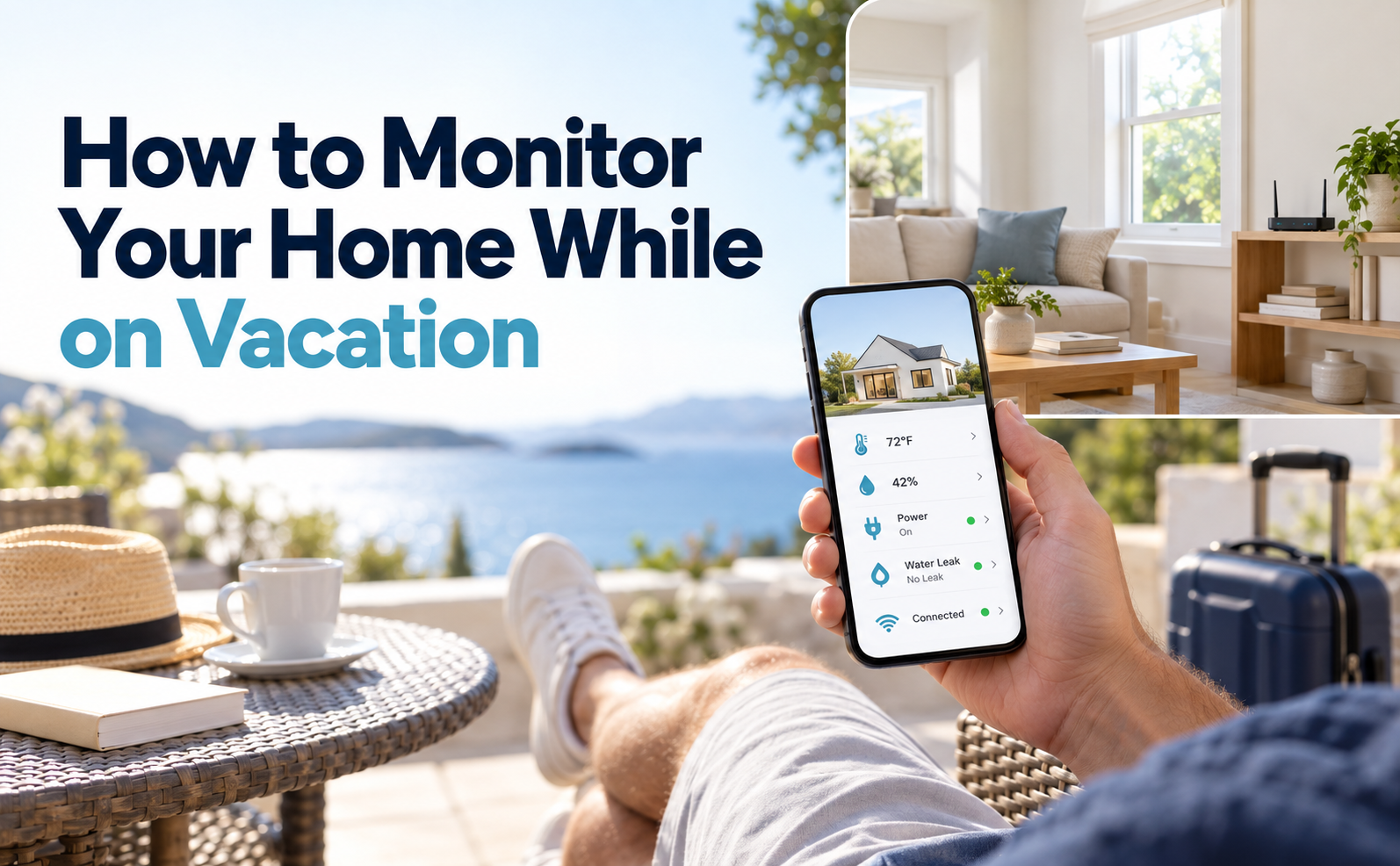
How do you set up vacation home monitoring? Put a connected device on each risk that can cause damage while you are gone: your sump pump, water leaks, indoor temperature and humidity, power, and your WiFi router. Each one sends a text or email when something goes wrong. Test every alert and name a local contact before you leave.
You leave for vacation. Your WiFi drops, a pipe sweats in the July heat, and your sump pump runs all night — and you have no idea until you come home. This guide shows you how to fix that in under an hour.
A vacation shouldn’t be spent worrying about what’s happening back home. And with the right setup, you can monitor your home remotely for internet outages, sump pump issues, water leaks, power outages, and unsafe temperature or humidity changes. A basic vacation home monitoring setup will alert you before minor issues become expensive damage.
Table Of Contents
Why Your Home Needs Monitoring When You Are Not There
Most home emergencies don’t start out as disasters. They begin as little warning signs.
The sump pump is running longer than it needs to. A router goes offline. There is a small leak under the sink. The temperature goes up because the AC has broken down. Increased moisture in basements or utility rooms.
You can notice these problems early on when you are at home. When you’re travelling, your home is quiet. No one hears the pump go. Nobody sees the water on the floor. Nobody sees that the WiFi Router is frozen.
So keeping a watch on your vacation home is important. It offers your home a way to let you know when it needs some attention.
Power outages
A power outage while you are away can stop your fridge, freezer, heating, air conditioning and sump pump at the same time. It usually takes your router down too, so WiFi sensors in the house cannot send their alerts. You need to know when the power went out, not just that it did. That time decides how long food in the fridge lasts without power and what you can keep when you get home.
Storms and sump pump failure
Summer storms can test a sump pump harder than almost any other time of year.
The sump pit can fill fast with heavy rain. If the pump runs too long, cycles too often, or fails during a storm, water can rise into the basement or crawlspace. The problem is worse when you are away, and you might not know anything happened until you get back.
Even if your sump pump isn’t completely broken, it can still be a hazard. First, warning signs can appear:
- The pump runs longer than usual.
- It cycles on every few minutes.
- Water fills the pit faster than normal.
- You hear grinding, rattling or humming.
- It stops running altogether.
- Less water leaves the discharge pipe.
Pump Pal takes the worry out of your sump pump so you don’t have to cross your fingers when you’re out of town.
Heating or cooling failure
Humidity and temperature problems are easy to overlook while on vacation.
An air conditioner going out in the summer can quickly cause the indoor temperature to rise. That heat can impact electronics, stored items, pets if someone is checking on them, or temperature-sensitive areas of the house.
In winter, the risk flips. If the furnace stops while you are away, the house cools and exposed pipes can freeze. A low-temperature alert gives you time to call someone.
Humidity can be a problem, too. When you are away, a basement, crawlspace, storage area, or utility room can become damp. High levels of humidity can lead to musty smells, condensation, and the risk of mold growth over time.
Climate Pal also provides remote temperature and humidity monitoring. You can set your own limits and get a warning if the reading goes out of the range you have chosen.
WiFi drops that silence your smart devices
WiFi is the backbone of most smart home devices.
If the router goes offline, security cameras, smart locks, thermostats, leak sensors, garage controllers, and monitoring devices all become useless.
This is one of the most common weaknesses of home monitoring. People put in smart devices before the holiday, but forget that it all depends on the router staying connected.
Keep Connect helps solve that problem by monitoring internet connectivity and automatically power-cycling the router or modem when the connection drops.
For more general guidance, see the Home WiFi Reliability Guide or visit the Keep Connect product page.
What to Monitor and Which Device Handles Each Risk
A complete vacation monitoring setup should cover the four problems most likely to cause damage or disconnect your smart home: WiFi, sump pump activity, water leaks, and climate conditions.
| Risk while you are away | Device | What you get | Limit to know |
|---|---|---|---|
| Router or modem stops responding | Keep Connect | Automatic power cycle of the modem or router, and a message when you are back online | Cannot fix a provider outage, a damaged line or failed hardware |
| Sump pump runs abnormally or starts to fail | Pump Pal | SMS or email when the pump behaves abnormally | Sends over WiFi, so a power or internet outage can delay alerts |
| Water leak under a sink or near an appliance | Water Pal | SMS or email when a sensor detects water | Only detects water where a sensor is placed |
| Temperature or humidity out of range | Climate Pal | SMS or email when a scheduled reading passes your limit | Monitors only. It does not control heating, cooling or a dehumidifier |
| Power outage | PowerPal | SMS or email when power is lost and when it returns, even if the outage takes down your WiFi | Reports its own outlet's circuit. Does not measure energy or restore power |
Choosing a power failure alarm for an empty home? Start with how the alert gets out.
The goal is not to make your home complicated. The goal is to cover the most important risks with simple alerts.
Pump Pal can notify you when your sump pump starts acting abnormally. When your router goes offline, Keep Connect tries to recover it automatically. Water under a sink or appliance triggers a Water Pal alert. And when temperature or humidity leaves your range, Climate Pal can warn you before damage builds
For water protection, you can also review the Water Pal product page and the Water Leak Detection Guide.
How to Set Up Home Monitoring Before You Leave (5 Steps)
You do not need a full smart home renovation before vacation. You need a practical monitoring plan that covers your highest-risk areas.
Set aside about an hour before your trip and follow these four steps.

1. Monitor your sump pump with Pump Pal
If you have a basement, crawlspace, or sump pit in your home, start here.
A sump pump failure can result in thousands of dollars in damage, especially during storms. Make sure the pump starts up, moves water, and shuts off properly before you leave.
Then install Pump Pal to monitor the pump activity.
Pump Pal can help with abnormal run time and cycle frequency detection. This is important because many pump problems begin before the basement is flooded. The first sign of unusual pump behavior might be a stuck float, a clogged discharge line, a dry-run condition, or a failing motor.
Put your sump pump monitoring setup in a place where it can reliably track pump activity, and test your SMS or email alerts before you depart.
For a step-by-step guide, see How to Set Up a Sump Pump Monitoring System
If the pump is already running more than usual, read why a sump pump keeps running and fix it before you go. Pump Pal sends alerts over WiFi, so a power or internet outage can delay them. Step 5 covers that gap.
2. Set up router auto-reboot with Keep Connect
Then ensure your internet connection is secure.
Without the ability to send alerts, your monitoring devices are useless. If your router goes down while you’re away, your cameras, sensors, thermostats, and other smart devices might stop communicating.
Keep Connect is meant to check the health of the internet and automatically power cycle the connected router or modem if the connection drops.
This is useful for:
Holiday homes
Primary homes while traveling
Airbnb homes
Cabins remote
Home with security cameras
Lots of connected devices in smart homes
Plug your modem or router into Keep Connect and confirm the connection is stable before you leave. It power cycles the modem or router when the internet drops and lets you know when you are back online. It cannot fix a provider outage, a damaged line or failed hardware. Renting the place out? See how to keep rental WiFi working between guests.
3. Place Water Pal sensors under sinks and near appliances
Leaks start in the quietest places.
Before you leave, place Water Pal sensors in the areas where you are most likely to find water first:
In kitchen sinks
Under bathroom sinks.
Close to the water heater
Near the washing machine.
Next to the dishwasher
Near the water line of the fridge
In the basement.
Close to the sump pit.
Close to the utility room plumbing
A small leak may not create an obvious emergency right away. But if it continues for days while you are gone, it can damage flooring, cabinets, drywall, and stored items.
Water Pal offers an early warning, allowing you to reach out to a neighbor, family member, plumber, or property manager before the leak spreads.
4. Set temperature alerts with Climate Pal
Finally install Climate Pal where temperature or humidity changes would matter most.
Good places to look are:
Basement.
Room utility
Server / equipment room
Green house
Cellar for wine
Storage room
Living Area of Vacation Rental
Room with good electronics
Plumbing zone in cold weather
Set limits for the season. In summer, set a high-temperature alert so you hear if the AC fails. In winter, set a low-temperature alert well above freezing.
The American Red Cross advises leaving the heat on, set no lower than 55°F, while you are away. Climate Pal checks on a schedule you set and alerts you when a reading passes your limit. For more on placement and limits, see our guide to remote temperature and humidity monitoring.
Climate Pal also measures humidity, which is handy in basements, storage rooms and holiday homes.
Before you leave, test the SMS or email notification. A monitoring device is only useful if you get alerts.
5. Get power outage alerts with PowerPal
Plug PowerPal into an outlet on the circuit you care about most, such as the one feeding your freezer or sump pump. While the power is on, it checks in with Keep Connect servers.
If those check-ins stop, the servers send you a text or email, so the alert still reaches you when the outage takes down your WiFi. You get another message when it checks in again.
A missed check-in can also mean the WiFi or internet dropped while the power stayed on, so confirm the cause with your local contact.
PowerPal does not measure energy use or restore power. Before you leave, test the offline and restore alerts the way the PowerPal setup instructions describe.
Never switch off a breaker that feeds a freezer, sump pump or medical equipment just to run a test.
What Happens When an Alert Goes Off While You Are Away
Getting an alert is only the first step. You need a plan for what to do next, too.
Decide who is allowed to enter the property and what they need to look for before you leave. The alert is a helpful tool, not a source of stress.
Who to call when an alert comes in
Make a short list of contacts before you go.
Include:
- A dependable neighbor
- A nearby friend or family member
- Plumber
- HVAC technician
- Electrician
- Property manager
- Internet service provider
- Electric utility outage line
- Insurance agent
- Where the main water shutoff is
If your sump pump turns on, call someone to check your basement or sump pit. When you get a water leak alert, go to someone who knows where the water shutoff valve is. If Climate Pal alerts you to extreme heat or cold, get someone to check your HVAC system.
The quicker you can get the alert to the right person, the better your chances of preventing serious damage.
How to access your devices remotely
Before you leave, check that every alert reaches your phone and email. If you use optional Keep Connect Cloud Services, also check that you can log in to the app or web dashboard.
First, make sure your devices are connected through Keep Connect Cloud Services, and you can access the Keep Connect dashboard on your phone, tablet, or computer. This gives you a central place to monitor the devices you support and receive important alerts when something needs attention.
Also, ensure your login credentials are correct and that alerts are being sent to the correct phone number or email address.
It’s also a wise idea to share access with someone you trust. If you’re on a plane, in a different time zone, or just not available, someone else can respond to an alert and check on the home.
Traveling? Home monitoring is more than just seeing video. It’s knowing when the systems that protect your home lose power, go offline, detect water, exhibit abnormal pump activity, or need attention.
Vacation Home Monitoring Checklist (Printable)
Use this checklist before every trip.
| # | Task | Done |
|---|---|---|
| 1 | Test the sump pump: pour water into the pit and watch it start, pump and stop | ☐ |
| 2 | Confirm Pump Pal is set up and its alerts reach your phone | ☐ |
| 3 | Plug the modem or router into Keep Connect and confirm the connection is stable | ☐ |
| 4 | Place Water Pal sensors under sinks, by the water heater and near the washer | ☐ |
| 5 | Set Climate Pal temperature and humidity limits for the season | ☐ |
| 6 | Plug PowerPal into the outlet for your freezer or sump pump circuit | ☐ |
| 7 | Set the heat no lower than 55°F in winter, or the AC to a safe setting in summer | ☐ |
| 8 | Test every SMS and email alert by triggering it once | ☐ |
| 9 | Save emergency contacts, including your electric utility and a plumber | ☐ |
| 10 | Give a trusted person a key and instructions | ☐ |
| 11 | Note where the main water shutoff valve is | ☐ |
| 12 | Check you can log in to any cameras, thermostat or monitoring apps you use | ☐ |
This simple checklist helps turn smart home vacation mode into something more reliable than just locking the doors and hoping everything is fine.
“Keep Connect devices give your home a voice while you are away. Sump pump alerts, router auto-reboot, water sensors, and climate monitoring all without a subscription. See the full lineup at johnson-creative.com.”
Frequently Asked Questions
What is vacation home monitoring?
Vacation home monitoring uses connected devices to watch a home while nobody is there. Each device checks one risk, such as the sump pump, water leaks, temperature, humidity, power or the internet connection, and sends a text or email when something goes wrong, so you can act before small problems become expensive.
How can I monitor my home remotely while traveling?
Use one device per risk and make sure its alerts reach your phone. Keep Connect restarts a router that stops responding. Pump Pal watches the sump pump. Water Pal detects leaks. Climate Pal watches temperature and humidity. PowerPal tells you when the power goes out and when it comes back.
Do I need WiFi for home monitoring devices?
Most do. WiFi sensors send their alerts through your router, so a router or internet failure silences them until it recovers. Keep Connect restarts a router that stops responding. PowerPal is different: its alert is sent by Keep Connect servers when it stops checking in, so it still reaches you when the outage takes down your WiFi.
How do I know if the power goes out while I am away?
Use a power outage alert such as PowerPal on the circuit you care about, and sign up for your utility's outage alerts. Keep Connect servers send you a text or email when PowerPal stops checking in, and another when it checks in again. A missed check-in can also mean the WiFi dropped, so confirm the cause with a local contact.
What should I monitor before leaving for vacation?
Start with the risks that cause the most damage when nobody is home: the sump pump, water leaks under sinks and near appliances, indoor temperature and humidity, power, and the router that carries every other alert. Then test each alert before you leave.
How do I protect my home from water damage while on vacation?
Test the sump pump, clear the gutters and point downspouts away from the foundation. Place leak sensors under sinks, by the water heater and near the washer. Know where the main water shutoff is, and give a trusted person a key so they can act on an alert.
Can I monitor my sump pump while on vacation?
Yes. A sump pump monitor such as Pump Pal calibrates itself to your pump and sends a text or email when it detects abnormal behavior, such as a dry run, an overload, a stuck float or a clog. Because it sends alerts over WiFi, pair it with a power outage alert in case a storm cuts the power.
Do Keep Connect devices require a subscription?
Not for basic use. PowerPal, Climate Pal and Water Pal send basic SMS and email alerts with no subscription, and Keep Connect's basic automatic rebooting needs none. Optional Keep Connect Cloud Services add the mobile app, web dashboard and history. Check each product page for current plans before ordering.





