
Always Router by Keep Connect: Self-Healing OpenWrt Router

$119.99

Category:

Description

Always Router: a self-healing OpenWrt router by Keep Connect

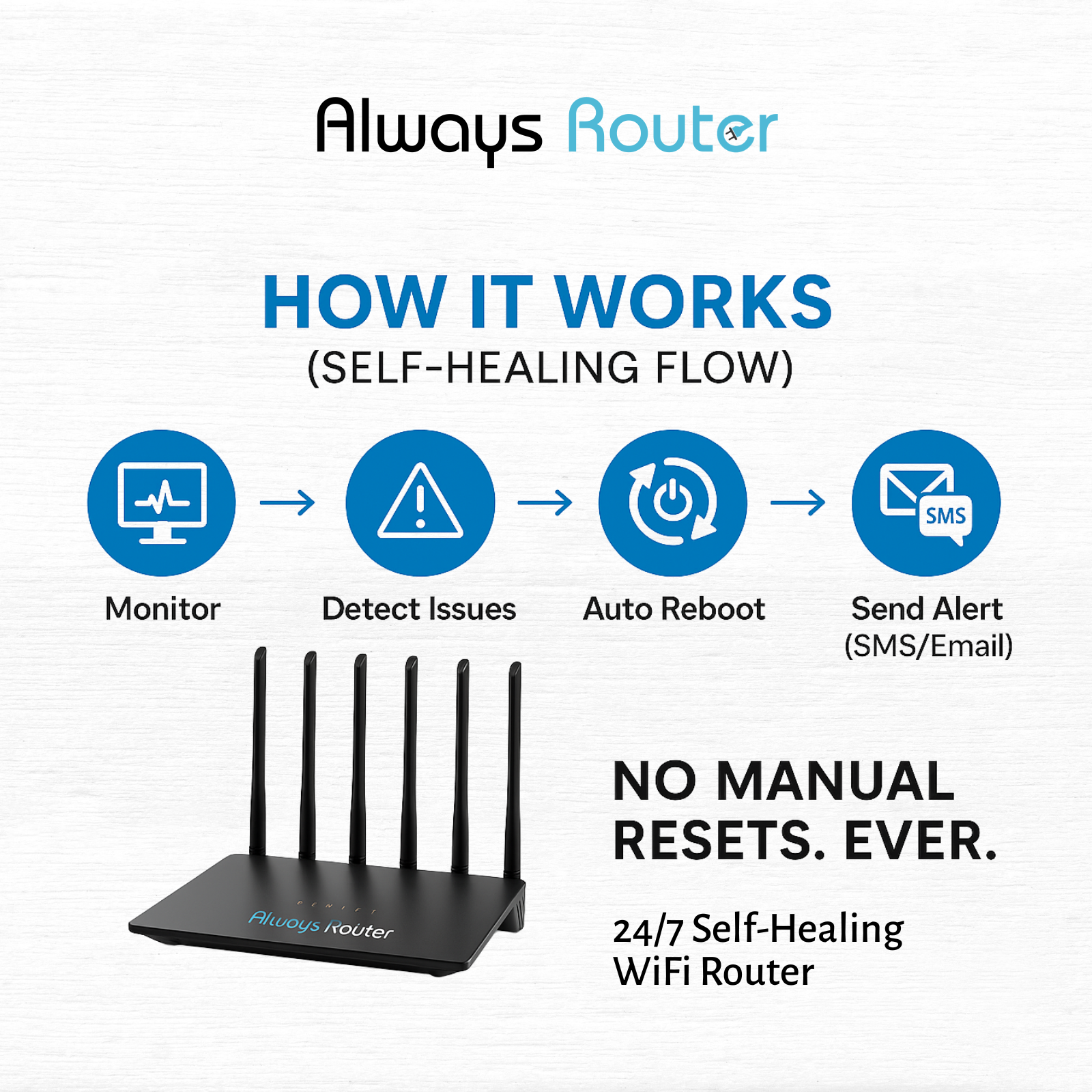
Always Router by Keep Connect is a self-healing router. It runs OpenWrt with Johnson Creative’s Keep Connect firmware, tests your connection automatically, and reboots when the internet drops or speeds fall below your limits.

Always Router at a glance

   
What it is Wi-Fi router with built-in connection monitoring
Firmware OpenWrt with Keep Connect firmware
Checks Speed tests and heartbeat checks
Recovery Reboots itself, or triggers a linked Keep Connect rebooter plug
Alerts Free email and SMS
Price $119.99

Always Router runs regular speed tests and heartbeat checks. When your connection drops, speeds fall below your limits or errors pass your threshold, it reboots itself. When a full power cycle is needed, it can trigger a linked Keep Connect rebooter plug.

Connection monitoring and email and SMS alerts are built in, with no subscription. Add Keep Connect Cloud Services, from $24.99 per year, for analytics, remote device management, and combined reporting.

What Always Router Does

A router that reboots itself: recovery from outages and slowdowns without you

Always Router checks your internet connection, speed and network health on its own. When a check fails, it acts:

  • Reboots itself after a confirmed connection loss, a failed speed test, an error threshold or at an interval you set.
  • Triggers a hard power cycle through a linked Keep Connect rebooter plug when a restart is not enough.
  • Sends an alert by email or SMS with a clear error message and the action it took.

Always Router fixes the problems a restart can clear. It cannot fix an outage on your internet provider’s side, a cut cable or failed hardware.

Who It Helps

Built for people who want the router to fix itself

  • Home offices. Keep calls and uploads running without walking to the router.
  • Remote and vacation properties. Recover from drops and slowdowns with nobody on site.
  • Smart home users. Keep cameras, doorbells and automations online.
  • Tech users. Get OpenWrt flexibility with built-in recovery.
  • Keep Connect owners. Pair it with a rebooter plug for a complete recovery chain.

How It Works

Connect, secure, and let it monitor

  1. Connect a computer. Plug a network cable from your computer into any LAN port on Always Router.
  2. Open the management page. Go to http://192.168.1.1 and log in with the default credentials in the setup guide.
  3. Secure your Wi-Fi. Go to Network, then Wireless, then 2.4G Wireless Network, then Edit. Set your network name, choose an encryption method and create a password of at least 8 characters. Save and apply.
  4. Change the admin password. Go to System, then Right to Manage, and set a new password.
  5. Let it run. Always Router monitors your connection and reboots itself when a connection loss is detected and confirmed.

The default Wi-Fi network is named KC-ALWAYS followed by six characters from the MAC address, and it has no password until you set one. Complete step 3 before you use it.

Features and Practical Benefits

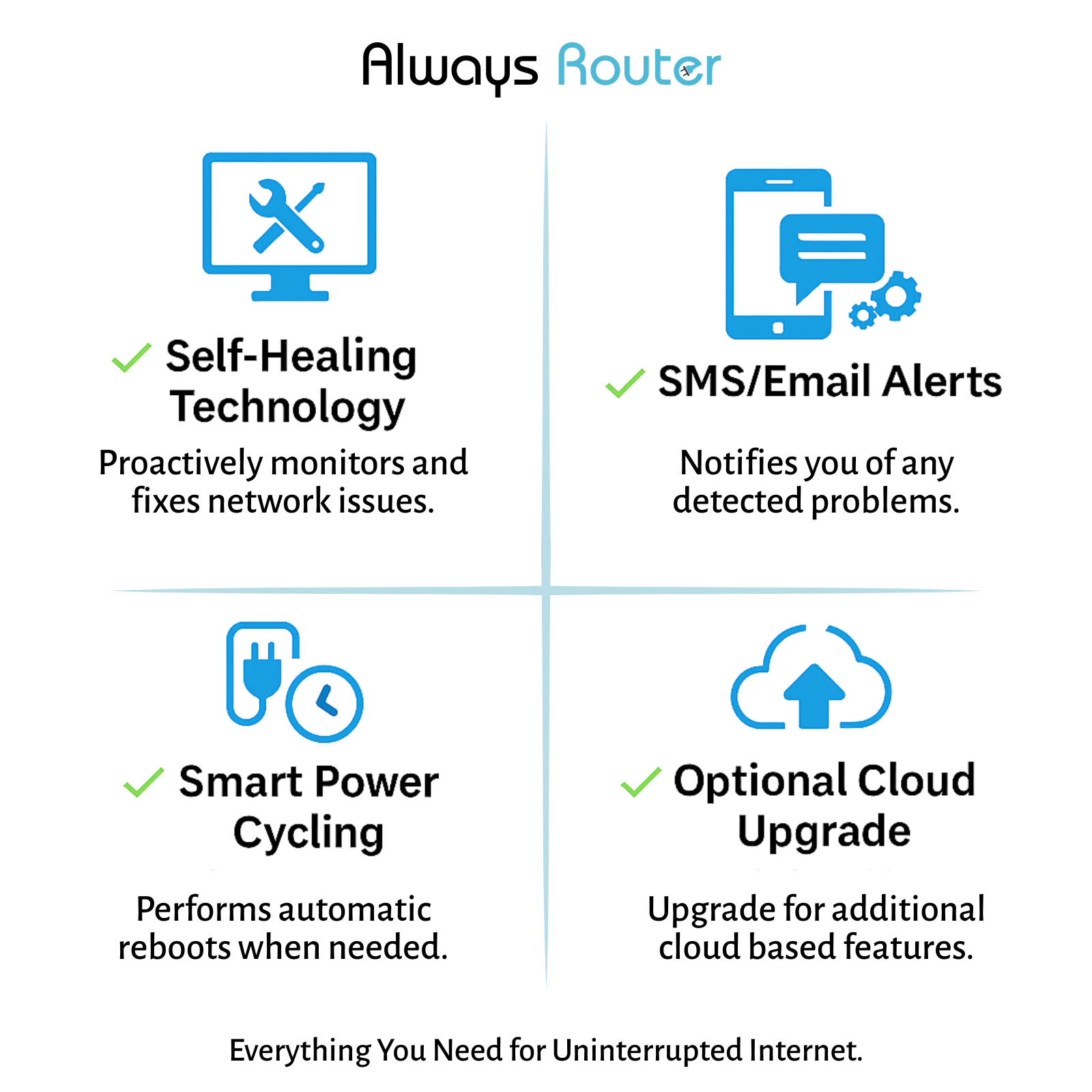
Smart power cycling Reboots the router, or triggers an external power cycle through a linked Keep Connect rebooter plug, when speeds fall below your preset limits.

Free local monitoring Built-in connection monitoring with no subscription.

Detailed email and SMS alerts Free notifications with clear error messages whenever a problem is found or a fix is applied.

Custom triggers Recover on speed test failures, error thresholds or your own intervals.

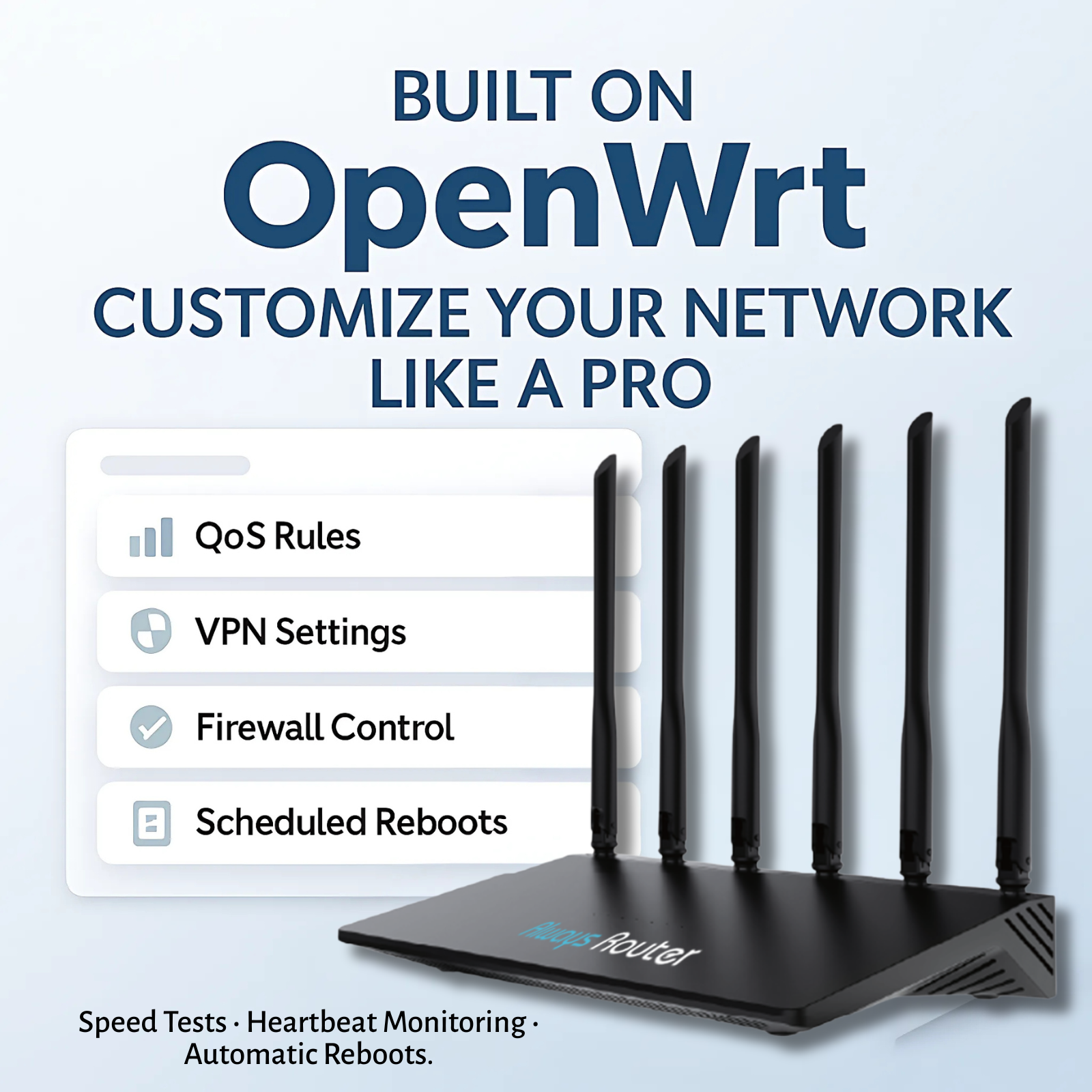
OpenWrt firmware Built on OpenWrt for customization and control.

Optional Cloud Services Advanced analytics, remote device management and combined reporting across Always Routers and rebooter plugs.

Specifications and Compatibility

Check your network before ordering

Specification Detail
Firmware OpenWrt with Keep Connect firmware
Monitoring Speed tests, heartbeat checks
Recovery Self-reboot on confirmed connection loss, speed test failure, error threshold or set interval
External power cycle Through a linked Keep Connect rebooter plug
Alerts Email and SMS, free
Wi-Fi setup 2.4G wireless network settings
Wired ports LAN ports
Management page http://192.168.1.1
Default Wi-Fi name KC-ALWAYS-XXXXXX
Factory reset Hold Reset for more than 6 seconds, or System > Backup/Upgrade
Cloud management Optional, Keep Connect Cloud Services

Included Features and Optional Services

Self-healing included. Cloud management available separately.

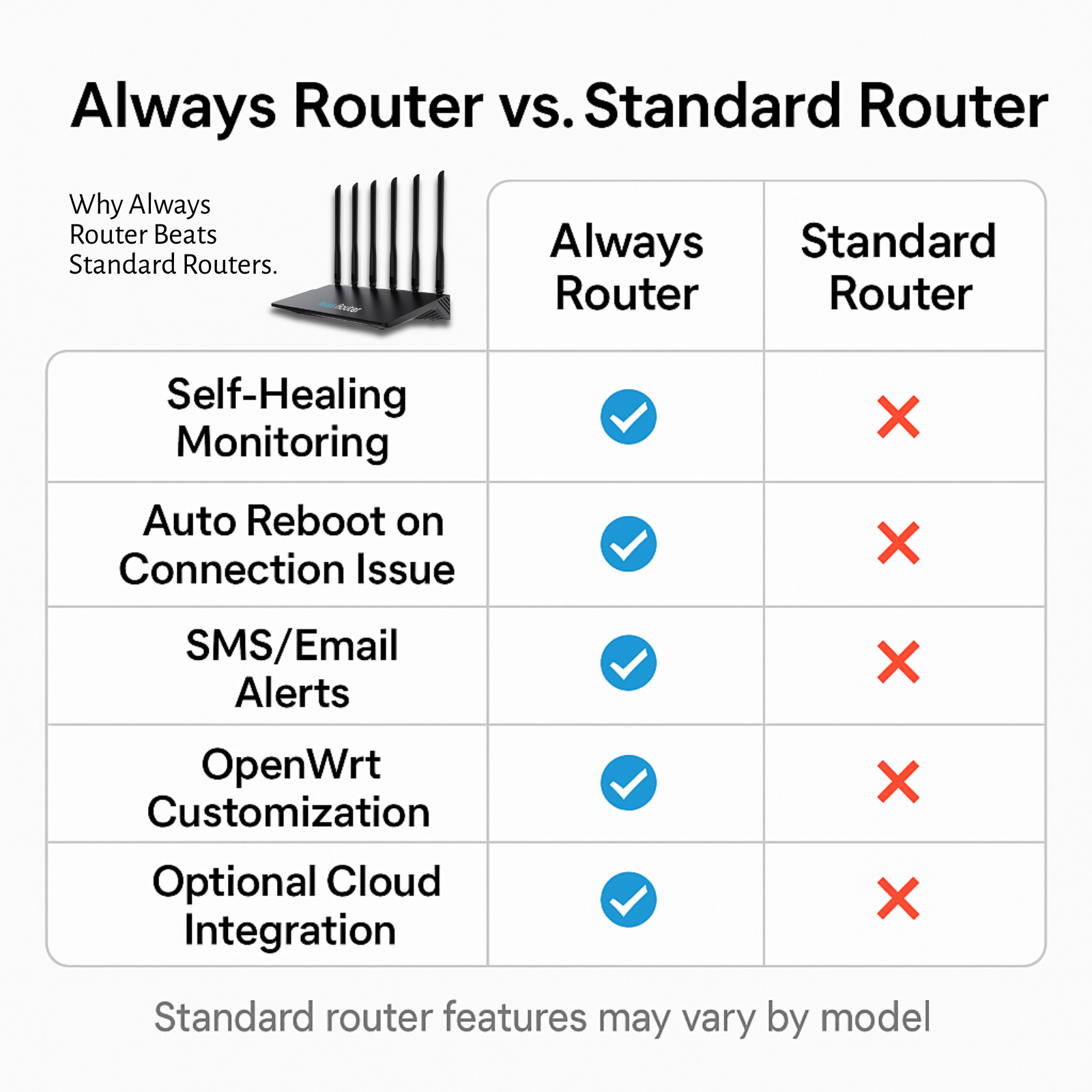
Function Included with Always Router Keep Connect Cloud Services
Connection monitoring Yes Yes
Speed tests and heartbeat checks Yes Yes
Automatic self-reboot Yes Yes
Email and SMS alerts Yes Yes
Link to a rebooter plug Yes Yes
Advanced analytics No Yes
Remote device management No Yes
Combined reporting across devices No Yes

Compare plans.

Product Comparison

Always Router or a rebooter plug: where should the monitoring live?

  Always Router Keep Connect Standard Keep Connect MAX
What it is A router with built-in monitoring A plug that power cycles your router A 15A plug that power cycles your equipment
Replaces your router Yes No No
Checks Speed tests, heartbeat checks Internet connectivity Internet connectivity
Hard power cycle Through a linked rebooter plug Built in Built in
Price $119.99 $49.99 $74.99

Simple rule: keep your current router and add a rebooter plug, or switch to Always Router. For the most complete recovery, use both.

Setup and Documentation

FAQ

What is a self-healing router?

A self-healing router monitors its own internet connection and recovers without you. Always Router runs speed tests and heartbeat checks, then reboots itself after a confirmed connection loss, a failed speed test, an error threshold or at an interval you set.

What is an OpenWrt router?

An OpenWrt router runs OpenWrt, an open-source firmware for network devices that allows deep customization. Always Router is built on OpenWrt and adds Johnson Creative’s Keep Connect firmware for automatic monitoring and recovery.

Does Always Router need a subscription?

No. Connection monitoring and email and SMS alerts are built in and free. Keep Connect Cloud Services, from $24.99 per year, adds advanced analytics, remote device management and combined reporting across devices.

How do I set up Always Router?

Connect a computer to a LAN port with a network cable and open http://192.168.1.1. Log in with the default credentials in the setup guide. Then set a Wi-Fi password under Network, Wireless and change the admin password under System, Right to Manage.

How do I reset Always Router?

Press and hold the Reset button for more than 6 seconds with a pointed object. You can also reset it from the management page under System, Backup/Upgrade.

Can Always Router fix every internet outage?

No. Always Router fixes problems a restart can clear. It cannot fix an outage on your internet provider’s side, a cut cable or failed hardware.

Reviews

There are no reviews yet.

Be the first to review “Always Router by Keep Connect: Self-Healing OpenWrt Router”

Your email address will not be published. Required fields are marked *



