 Written by Rona Sabatin
Content Writer, Johnson Creative · Updated
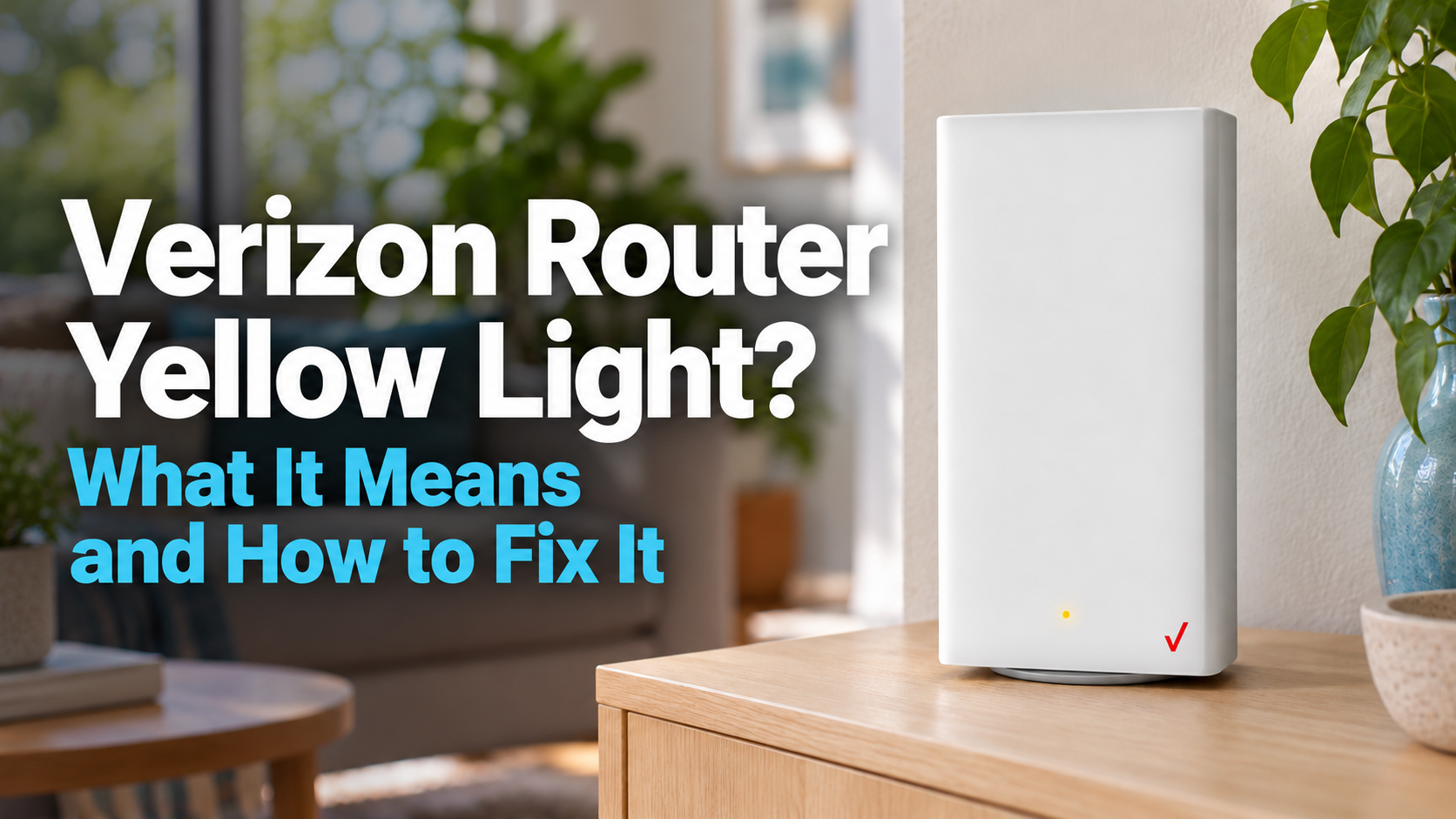
Why is my Verizon router light yellow? Verizon says a solid yellow light on the Verizon Router and Fios Router means there is no internet connection. Check for a Verizon outage first, then restart the router. On the Verizon Router, hold the rear Reset button for only 3 to 5 seconds. Verizon's pages say holding it for 10 or 15 seconds resets the router to factory defaults.
Based on Verizon's Verizon Router FAQs, Fios Router FAQs and Restart Device article. Last verified Oct 23, 2026.
The light on your Verizon router turned yellow, and the internet stopped working. What does a Verizon router yellow light mean, and what should you do?
Verizon says a solid yellow light on its Verizon Router and Fios Router means there is no internet connection. The fix depends on your model. On the Verizon Router, the same Reset button restarts the router or erases your WiFi name and password, depending on how long you hold it.
This guide shows what Verizon says each light means, model by model, with a link to each Verizon page. Then it gives you safe fix steps.
What Does a Yellow Light on a Verizon Router Mean?
Verizon says solid yellow means no internet connection on the Verizon Router and the Fios Router. On Verizon’s Internet Gateways, fast blinking yellow means something different: a factory reset.
| Verizon model | Yellow light | What Verizon says it means |
|---|---|---|
| Verizon Router (CR1000A, CR1000B) | Solid yellow | No internet connection |
| Fios Router (G3100) | Solid yellow | No internet connection |
| Verizon Internet Gateway | Fast blinking yellow | Factory reset |
| Verizon Internet Gateway (WNC-CR200A), System LED | Fast blinking yellow | Factory reset |
Sources: Verizon Verizon Router FAQs (LED chart) and Verizon Router LED Status Indicators; Fios Router FAQs (LED chart); Verizon Internet Gateway LED Status Indicators; WNC-CR200A LED Status Indicators (System LED). Last verified Oct 30, 2026.
Verizon’s two pages for the Verizon Router do not fully match. Its LED chart lists a hardware or system failure as slow blinking red. Its separate LED status page also lists a hardware or system failure under solid yellow.

How Do You Fix a Yellow Light on a Verizon Router?
Check for an outage first, then restart the router the safe way. Try these steps in order:
- Match the light to your model. Use the table above. Verizon says the Verizon Router’s model number is on the bottom of the router.
- Check for a Verizon outage. Enter your address on Verizon’s Check network status page. Fios customers can also use the Verizon Troubleshooter, which Verizon says can check for an outage in your area.
- Setting up a Verizon Router (CR1000A)? Give the update time. In its setup steps, Verizon’s CR1000A user guide says: “Router will take up to 10 minutes to update completely. Move on when the front light is solid white.”
- Restart the router. Verizon’s general reboot steps say to unplug the router, wait 1 minute, plug it back in, then wait 1 to 3 minutes. Or use your model’s restart button (next section). For the order to restart other equipment, see how to power cycle your router and modem.
- Still yellow? Run the Verizon Troubleshooter. Verizon says it can check for an outage in your area, review your account for issues that might interrupt your service and self-test your line. Verizon’s LED status page for the Verizon Router also lists a hardware or system failure under solid yellow.
Which Button Restarts a Verizon Router Without a Factory Reset?
It depends on the model. Verizon gives different buttons and hold times for a restart and a factory reset.
| Router | Button | Hold for | What Verizon says happens |
|---|---|---|---|
| Verizon Router (CR1000A, CR1000B) | Reset button, back | 3 to 5 seconds | Reboot |
| Verizon Router (CR1000A) | Reset button, back | 10 seconds | Resets the device to factory default settings |
| Verizon Router (CR1000A, CR1000B) | Red reset button, back | 15 seconds | Factory default settings |
| Fios Router (G3100) | Unified button, front | 10 seconds | Reboot |
| Fios Router (G3100) | Red reset button, back | 15 seconds | Factory default settings |
Sources: Verizon Verizon Router FAQs, Verizon Router Restart Device and Fios Router FAQs. Verizon's pages give 10 or 15 seconds for a Verizon Router factory reset, so keep a restart to 3 to 5 seconds. Last verified Oct 23, 2026.
On the Verizon Router, Verizon’s FAQ says holding the rear Reset button for 3 to 5 seconds restarts it. Its restart article says holding for 10 seconds resets it to factory defaults, and its FAQ gives 15 seconds for a factory reset.
On the Fios Router, the front Unified button restarts it. Verizon’s Fios Router FAQ says to hold the Unified button for 10 seconds, then wait until the Internet light is steady white.
Verizon says a factory reset “deletes all of your home network settings,” including the WiFi name and password you created. Your devices will not connect until you set the network up again.

What Does a Red Light on a Verizon Router Mean?
On the Verizon Router and Fios Router, Verizon ties red to a hardware or system failure, overheating or a pairing failure. Only the Verizon Router chart also lists a system update error. The pattern and model tell you which.
| Verizon model | Red light | What Verizon says it means |
|---|---|---|
| Verizon Router (CR1000A, CR1000B) | Slow blinking red | Hardware/System failure detected |
| Verizon Router (CR1000A, CR1000B) | Fast blinking red | Overheating, system update error or WPS pairing failure |
| Fios Router (G3100) | Solid red | Hardware/System failure detected |
| Fios Router (G3100) | Fast blinking red | Overheating |
| Fios Router (G3100) | Slow blinking red | Pairing failure |
| Verizon Internet Gateway | Solid red | No signal |
| Verizon Internet Gateway | Hard blinking red | No SIM card |
| Verizon Internet Gateway | Soft blinking red | Firmware error |
| WNC-CR200A, System LED | Solid red | Gateway has no signal |
| WNC-CR200A, System LED | Soft pulsing red | Gateway error |
| WNC-CR200A, System LED | Slow blinking red | Activation error |
| WNC-CR200A, Wi-Fi LED | Solid red | No internet |
| WNC-CR200A, Wi-Fi LED | Soft pulsing red | Gateway error |
| WNC-CR200A, Wi-Fi LED | Slow blinking red | WPS connection failed |
| WNC-CR200A, Wi-Fi LED | Fast blinking red | WPS connection timed out |
Sources: Verizon Verizon Router FAQs (LED chart), Verizon Router LED Status Indicators, Fios Router FAQs (LED chart), Verizon Internet Gateway and WNC-CR200A LED pages (the WNC-CR200A has separate System and Wi-Fi LEDs). Last verified Oct 30, 2026.
Verizon’s Verizon Router guide says that after a WPS error, the light flashes red for two minutes.
Why Is My Verizon Router Blinking White?
Verizon says fast blinking white means the router is booting on the Verizon Router and Fios Router. Solid white means normal operation.
| Verizon model | White light | What Verizon says it means |
|---|---|---|
| Verizon Router (CR1000A, CR1000B) | Solid white | Normal operation |
| Verizon Router (CR1000A, CR1000B) | Fast blinking white | Router is booting, or system restart |
| Fios Router (G3100) | Solid white | Normal operation |
| Fios Router (G3100) | Fast blinking white | Router is booting |
| Verizon Internet Gateway | Soft blinking white | System booting |
| Verizon Internet Gateway | Fast blinking white | Firmware update |
| WNC-CR200A, System LED | Soft pulsing white | System booting |
| WNC-CR200A, System LED | Fast blinking white | Software updating |
Sources: Verizon Verizon Router FAQs (LED chart), Fios Router FAQs (LED chart), Verizon Internet Gateway and WNC-CR200A LED pages (the WNC-CR200A has separate System and Wi-Fi LEDs). Last verified Oct 30, 2026.
What Do Blue and Green Lights Mean on a Verizon Router?
Blue is for pairing devices with WPS. Solid green means WiFi is turned off. Here is what Verizon’s charts say:
- Verizon Router: slow blinking blue means pairing mode. Fast blinking blue means WPS pairing was successful. Solid green means WiFi has been turned off.
- Fios Router: slow blinking blue means pairing mode. Solid blue means pairing was successful. Solid green means WiFi has been turned off.
- Light off: Verizon says the power is off on both routers.
Is It Your Router or a Verizon Outage?
Check Verizon first. A restart at home cannot end an outage on Verizon’s side.
- Check network status. On Verizon’s Check network status page, enter the address where the issue is happening.
- Fios customers: the Verizon Troubleshooter can also check for an outage in your area, according to Verizon.
- The light is solid white, but nothing loads? Read WiFi connected but no internet.
- Using a router from another brand or provider? See what other router lights mean.
Can an Automatic Router Rebooter Help With a Verizon Yellow Light?
Only when a restart clears the problem. A device that power cycles your router cannot fix a Verizon outage, a damaged cable or failed hardware.
How Keep Connect Restarts Your Router
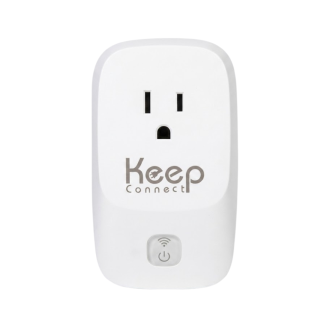
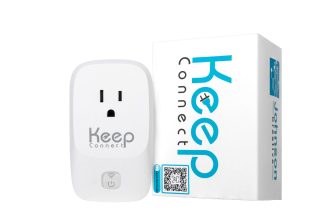
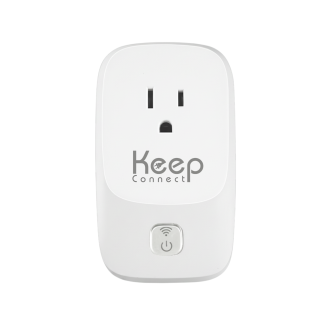
Verizon’s own reboot steps say to unplug the router, wait 1 minute and plug it back in. Keep Connect power cycles your equipment for you. Your router plugs into it, and by default it checks your internet every 5 minutes. When its checks fail, it cuts power for 30 seconds by default, then turns it back on, according to the Keep Connect manual. Basic automatic rebooting needs no subscription.
Check two things first. Keep Connect is rated for a 10A total connected load. Its product page also warns: “Removing external power may not shut down equipment with a working internal battery.” See the battery backup guide if your equipment has a battery.
Need a 15A rating, or a router that checks itself? Our router lights guide compares Keep Connect, Keep Connect MAX and Always Router.

Keep Connect Automatic Router Rebooter
$49.99
- Checks your internet connection every 5 minutes by default
- Turns compatible equipment off for 30 seconds by default when the internet drops, then back on
- Sends an email or text when you are back online, if set up
- No subscription needed for basic automatic rebooting
- Connects to 2.4 GHz WiFi only
Need a 15A rating? Compare the MAX router rebooter ($74.99). Want a router that checks itself? See Always Router ($119.99).
Keep Connect is rated for a 10A total connected load. These products help only when a power cycle clears the problem. They cannot fix an outage on your provider's side, a damaged cable or failed hardware. Check the battery backup guide if your equipment has a battery.
What Are the Key Takeaways?
Here is the short version, based on Verizon’s support pages.
- On the Verizon Router and Fios Router, Verizon says solid yellow means no internet connection.
- On Verizon’s Internet Gateways, fast blinking yellow means a factory reset.
- Fast blinking white means the router is booting. Solid white is normal.
- Red means a hardware or system failure, overheating or a pairing failure. The Verizon Router chart also lists a system update error.
- Check for a Verizon outage first. Then restart the router.
- On the Verizon Router, hold the Reset button 3 to 5 seconds to restart. Verizon’s pages say 10 seconds (Restart Device article) or 15 seconds (FAQ) resets it to factory defaults.
- An automatic router rebooter helps only when a restart clears the problem.
What Else Do People Ask About Verizon Router Lights?
This section answers six questions about Verizon router lights. The answers come from the same Verizon pages used above.
Why is my Verizon router yellow?
Verizon says solid yellow on the Verizon Router and Fios Router means there is no internet connection. Check Verizon's network status page for an outage, then restart the router. Verizon's LED status page for the Verizon Router also lists a hardware or system failure under solid yellow.
Is a blinking yellow light different from a solid yellow light?
On the Verizon Router and Fios Router, Verizon's charts list solid yellow only. On the Verizon Internet Gateway and the WNC-CR200A System LED, Verizon says fast blinking yellow means a factory reset.
Why is my Verizon router blinking white?
Verizon says fast blinking white means the router is booting on the Verizon Router and Fios Router. On the Verizon Router, it can also mean a system restart. Wait for solid white, which Verizon says is normal operation.
What does a red light on a Verizon Fios router mean?
On the Fios Router, Verizon says solid red means a hardware or system failure was detected. Fast blinking red means overheating. Slow blinking red means a pairing failure.
How do I restart my Verizon router without resetting it?
On the Verizon Router, Verizon says to hold the Reset button on the back for 3 to 5 seconds. Verizon's pages say 10 seconds (Restart Device article) or 15 seconds (FAQ) resets it to factory defaults. On the Fios Router, Verizon says to hold the front Unified button for 10 seconds. You can also unplug the router, wait 1 minute and plug it back in, as Verizon's general reboot steps describe.
Will restarting fix a yellow light on a Verizon router?
It can. Verizon says turning the router off and on may help with connectivity issues. A restart cannot fix an outage on Verizon's side, so check Verizon's network status page first.
What Should You Do Right Now?
Match your light to your model in the tables above. Check Verizon’s network status page for an outage. Then restart the router. On the Verizon Router, hold the rear Reset button for 3 to 5 seconds. On the Fios Router, hold the front Unified button for 10 seconds. Or unplug the router for 1 minute and plug it back in. If it stays yellow, run the Verizon Troubleshooter.
If a restart keeps bringing your internet back, see the Keep Connect automatic router rebooter. It checks your internet and power cycles compatible equipment when the connection drops.
Other light guides: Router lights by brand, AT&T router blinking red, Xfinity router blinking orange and Spectrum router blinking red.
About the Author
Rona writes guides for Johnson Creative on router rebooting, internet reliability and home monitoring. Product details come from Johnson Creative's manuals and support articles. AI tools help with drafting, and every guide is reviewed and edited by Rona before publishing.