
 Written by Rona Sabatin
Content Writer, Johnson Creative · Updated
Written by Rona Sabatin
Content Writer, Johnson Creative · Updated
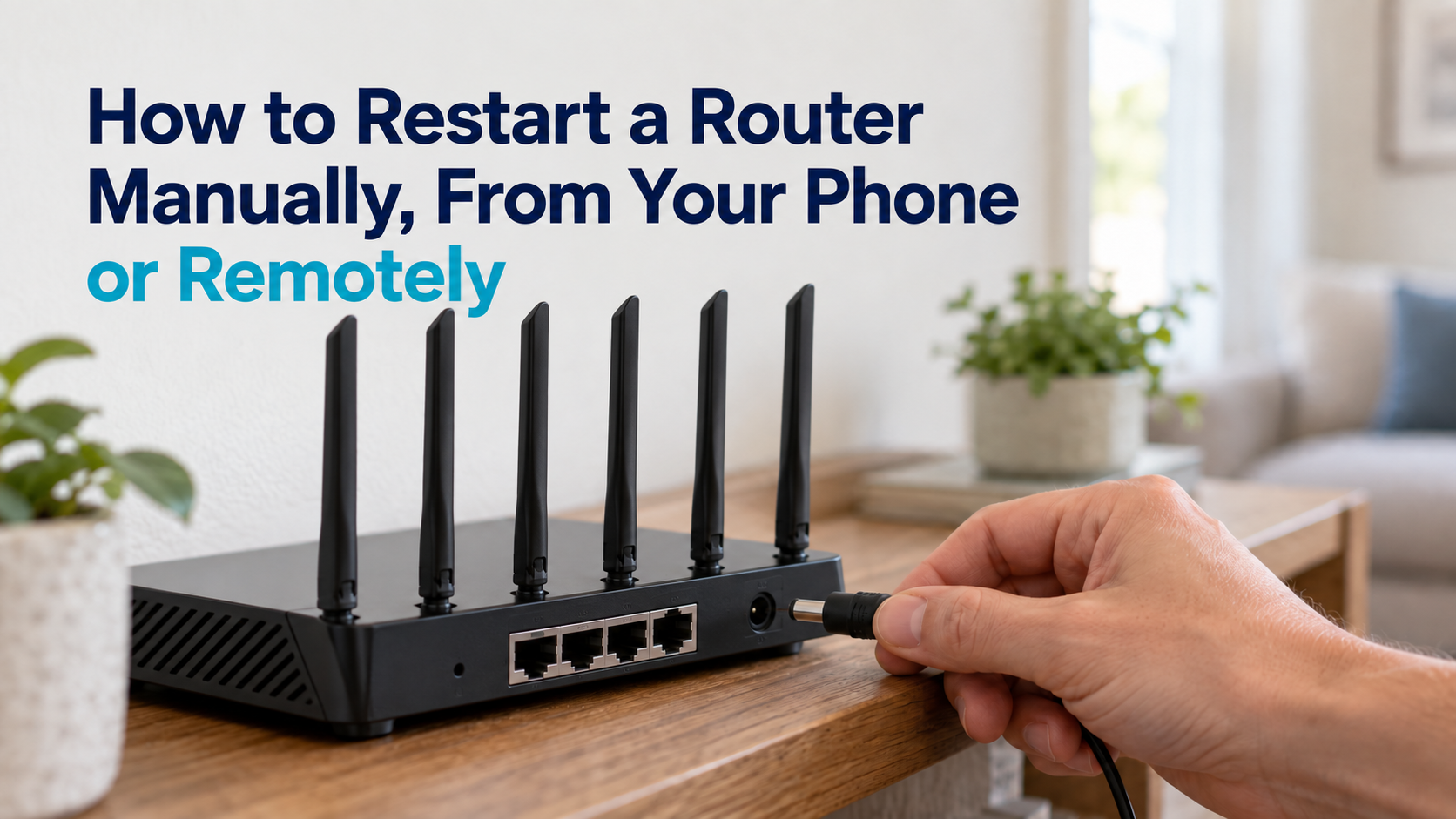
How do you restart a router? Unplug the router and modem, wait 30 to 60 seconds, plug the modem back in first, then the router once the modem is online. To restart it remotely, use your internet provider's app or the router maker's app. If the internet is down, those apps usually cannot reach it, so only a device at home, such as a smart router rebooter, can restart it automatically.
A slow or frozen internet connection can stop work, streaming and smart home devices at the worst moment. Restarting the router is usually the first fix to try. It clears temporary faults and gives the router a fresh connection to your provider.
This guide shows how to restart a router by hand, from your phone and remotely while you are away. It also explains why remote restarts fail when the internet is down, how to restart a router automatically and when a restart will not help.
Table of Contents
How to Restart a Router in 5 Steps

If you have a separate modem and router, restart both in this order:
- Unplug the router and the modem from power.
- Wait 30 to 60 seconds. Some providers ask for longer. Xfinity, for example, says to wait one minute before plugging its gateway back in.
- Plug the modem back in first. Wait until its internet or online light is solid.
- Plug the router back in. Give it a few minutes to start up.
- Test the connection on a phone or computer.
If you have a single modem-router combo from your provider, unplug that one box, wait, and plug it back in.
Have AT&T? See how to reset an AT&T router, including the red Reset button and the 15-second rule.
For the full method, including combo units and common mistakes, see our guide on how to power cycle your router and modem the right way.
How to Restart a Router From Your Phone
Many internet providers and router makers have a phone app with a restart option.
Your internet provider’s app. If your provider supplied the modem or gateway, its app may restart it for you. In the Xfinity app, for example, you tap the WiFi icon, choose Troubleshoot and select Restart your Gateway, according to Xfinity support.
Your router or mesh maker’s app. If you bought your own router, check the maker’s app for a restart or reboot option. Menu names differ by brand and model.
At home, the app talks to the router over your WiFi. Away from home, it needs the router to still be online, which matters when the internet is the thing that broke.
How to Restart a Router Remotely
You have several ways to restart a router when you are not there. They differ in one important way: whether they still work once the internet is down.
| Method | Works while you are away? | Works while the internet is down? | Good to know |
|---|---|---|---|
| Unplug and plug back in | No. Someone must be there | Yes | The most reliable manual method |
| Internet provider app | Yes | Usually not. The app has to reach the equipment | Only if your provider supports remote restart |
| Router or mesh maker app | Yes | Usually not, for the same reason | Check that your model's app has a restart option |
| Router web page with remote management | Yes | No | A security risk if left switched on |
| App-controlled smart plug | Yes | Often not, if the plug uses the same WiFi | Depends on the plug and its schedule features |
| Smart router rebooter | Not needed. It acts on its own | Yes. It power cycles the equipment when the connection drops | Cannot fix a provider outage or failed hardware |
| Router that restarts itself | Not needed. It acts on its own | Yes, after a confirmed connection loss | Replaces your current router |
The phone apps above are the simplest remote option when the router still has a connection. Restarting through the router’s own web page from outside your home needs remote management switched on, which carries security risks covered below. A smart plug lets you cut power from an app, but if the plug relies on the same WiFi, you may not be able to reach it during an outage.
Why Remote Restarts Fail When the Internet Is Down
Here is the catch with every app-based method. To restart the router from far away, your command has to travel over the internet to your home. If the internet connection at home is down, the command cannot get there.
That is why remote restarts work well for a slow or misbehaving router that is still online, and poorly for a router that has frozen or lost its connection completely. For those outages, you need something at home that can act on its own.
How to Restart a Router Automatically
There are two ways to restart a router without anyone touching it.
Scheduled restarts. Some routers have a setting to restart at a set time each day or week. This helps with a router that slows down over time, but it does not react when the connection actually drops.
Automatic restarts when the connection fails. A smart router rebooter sits between the router and the outlet, checks the internet connection, and power-cycles the equipment when the connection drops. A router with built-in monitoring can do the same for itself.
The Keep Connect Automatic Router Rebooter monitors your internet connection and power cycles your modem or router when the connection drops. Setup does not require a mobile app. Configured notifications by text or email are sent after connectivity is restored. Optional Cloud Services add remote reboot requests, but a cloud command cannot reach equipment without a working connection, which is why the automatic restart happens on the device itself.
Always Router is a router with built-in speed tests and heartbeat checks. It reboots itself after a confirmed connection loss, a failed speed test, an error threshold or at an interval you set.
Neither product can fix an outage on your provider’s side, a damaged cable or failed hardware. To compare a rebooter with monitoring software, see network monitoring software vs a smart router rebooter.
For step-by-step setup, see how to auto restart a router when the internet goes down.
Restart vs Reset
A restart and a reset are not the same, and mixing them up can cost you your settings.
- Restart (or reboot). Turns the router off and on. Your WiFi name, password and settings stay the same.
- Factory reset. Returns the router to its original settings. It can erase your WiFi name, password and admin login, so you will need to set it up again.
Only reset a router when a restart does not help and you have your setup details ready. The power cycle guide linked in the steps above compares power cycling, restarting and resetting in more detail.
Keep Remote Access Secure
The Federal Trade Commission notes that “enabling remote access to your router’s controls allows you to change settings over the internet.” That convenience also gives attackers a door to try.
- Use your provider’s or router maker’s app instead of opening the router’s admin page to the internet.
- If you do use remote management, set a strong, unique admin password and turn the feature off when you no longer need it.
- Keep the router’s firmware up to date. The FTC advises checking the manufacturer’s website for newer software.
- Do not enable old remote login tools you do not understand. If you need deeper remote access, a VPN set up by someone you trust is safer.
When a Restart Will Not Fix the Problem
If restarts only fix the problem for a while and it keeps coming back, work through our guide for a router that keeps disconnecting. For DNS and blocked port problems, see troubleshooting internet connection issues.
Frequently Asked Questions
How long does a router take to come back online after a restart?
Usually a few minutes. Some take longer. Xfinity, for example, says restarting its gateway can take up to 12 minutes. Wait for the modem's internet light to turn solid before you test the connection.
How often should I restart my router?
Only when you have a problem, unless your router maker recommends a schedule. Our guide on how often you should reboot your router covers this in detail.
Does restarting a router make the internet faster?
It can clear a temporary slowdown caused by a frozen process or a stuck connection. It will not raise the speed of your internet plan.
Will a smart plug restart my router when the internet is down?
It depends on the plug. If you control it through an app over the same WiFi, you may not be able to reach it while the internet is down. A plug that follows a fixed schedule, or a smart router rebooter that checks the connection itself, does not need you to reach it.
What is the difference between restarting and power cycling a router?
Power cycling means cutting the power and turning it back on. A restart can also be done from an app or the router's settings page, which restarts the software without unplugging anything. Both keep your settings.
About the Author
Rona writes guides for Johnson Creative on router rebooting, internet reliability and home monitoring. Product details come from Johnson Creative's manuals and support articles. AI tools help with drafting, and every guide is reviewed and edited by Rona before publishing.





